Make the sequence yours
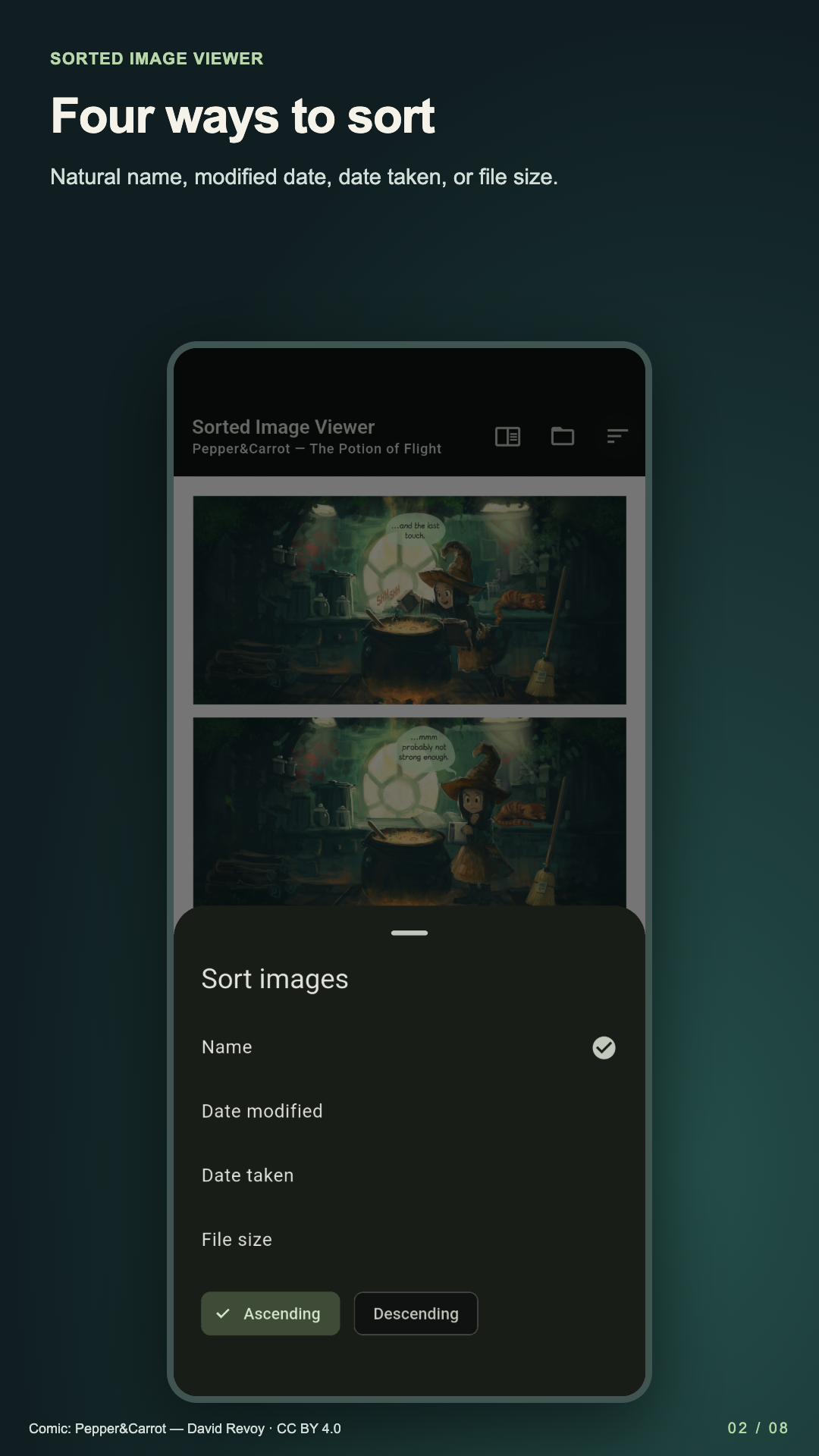
Natural filename, modified date, captured date, or size. Ascending or descending, with your current image retained.
Local folders · Your order
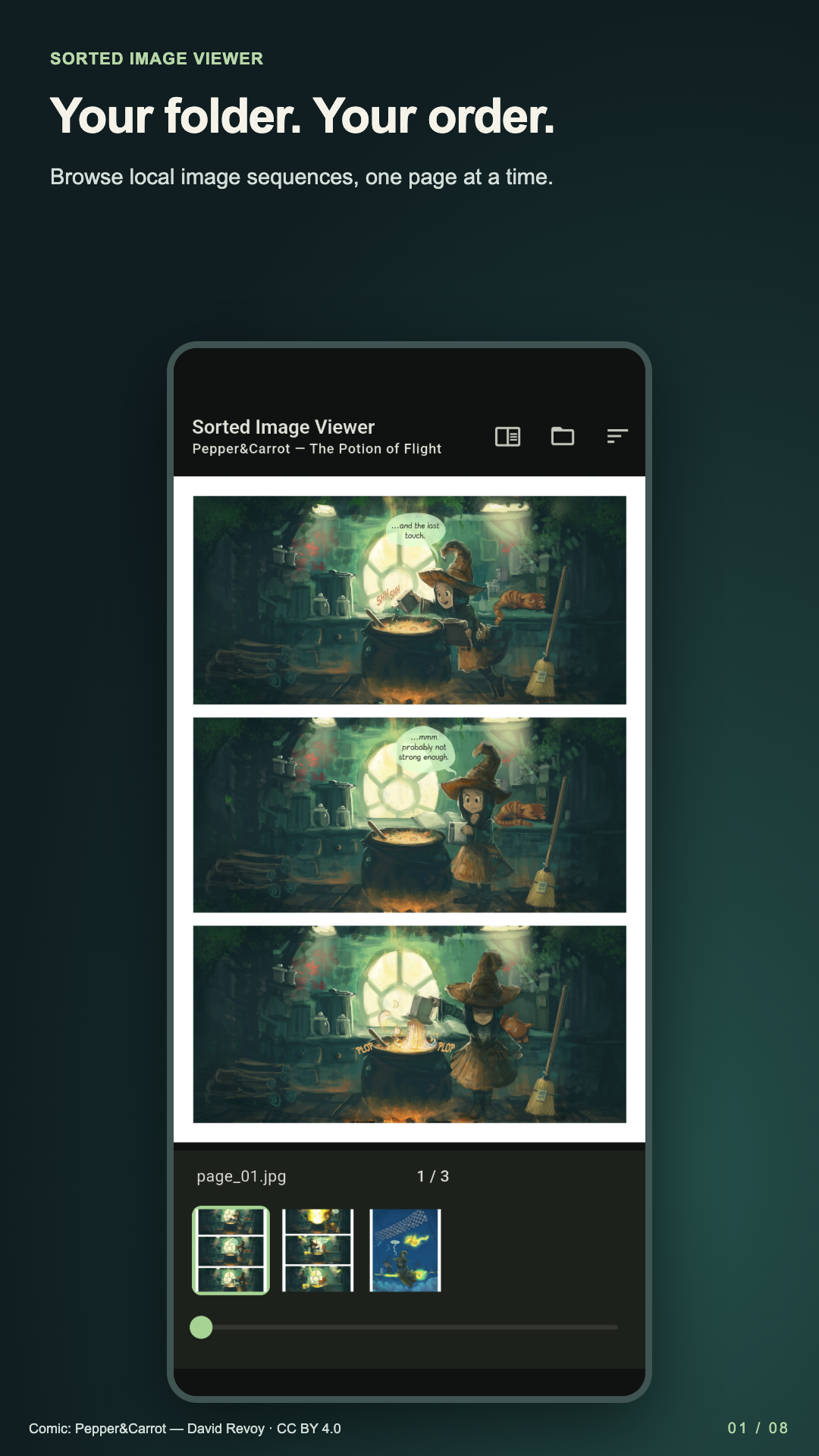
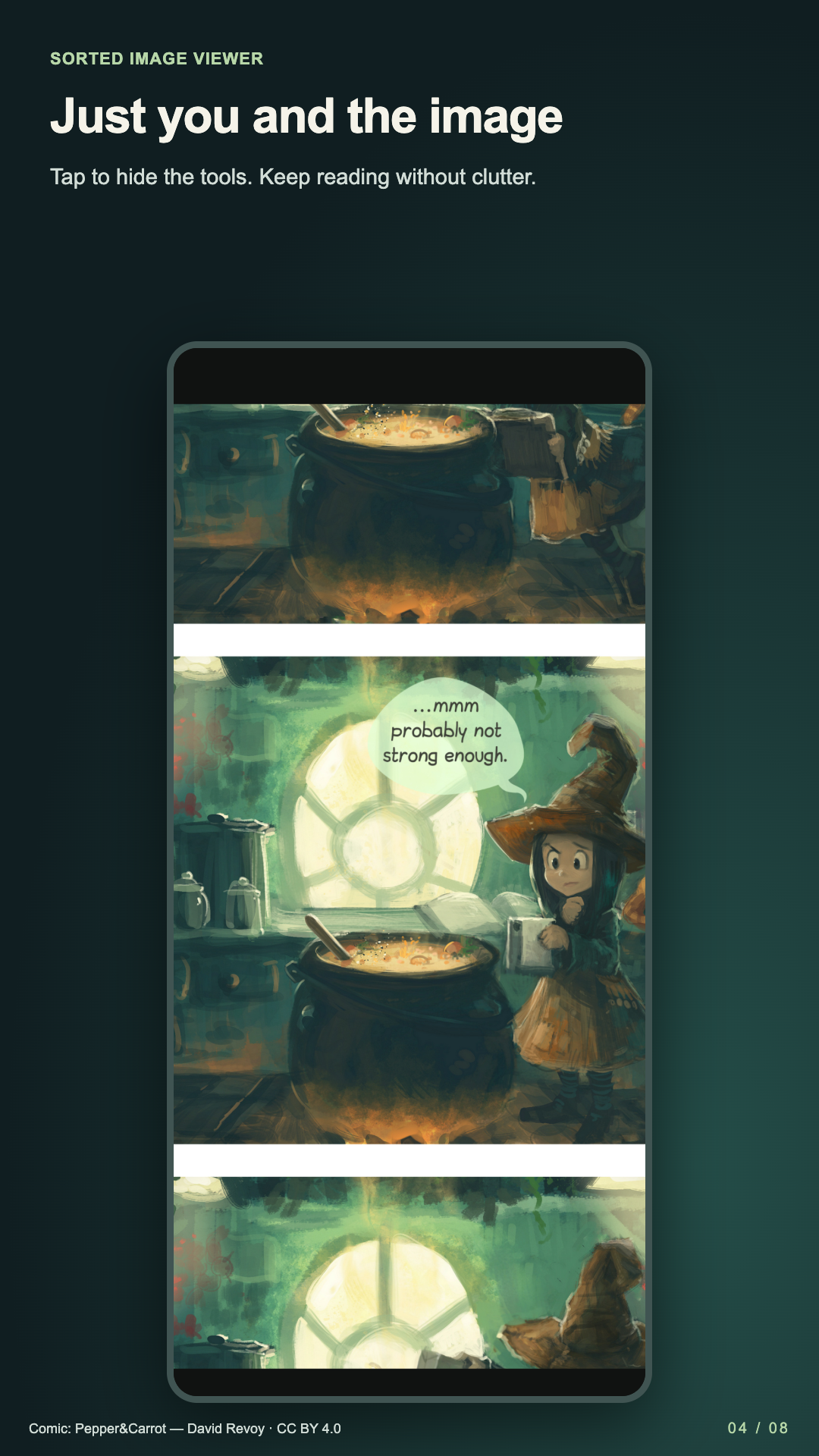
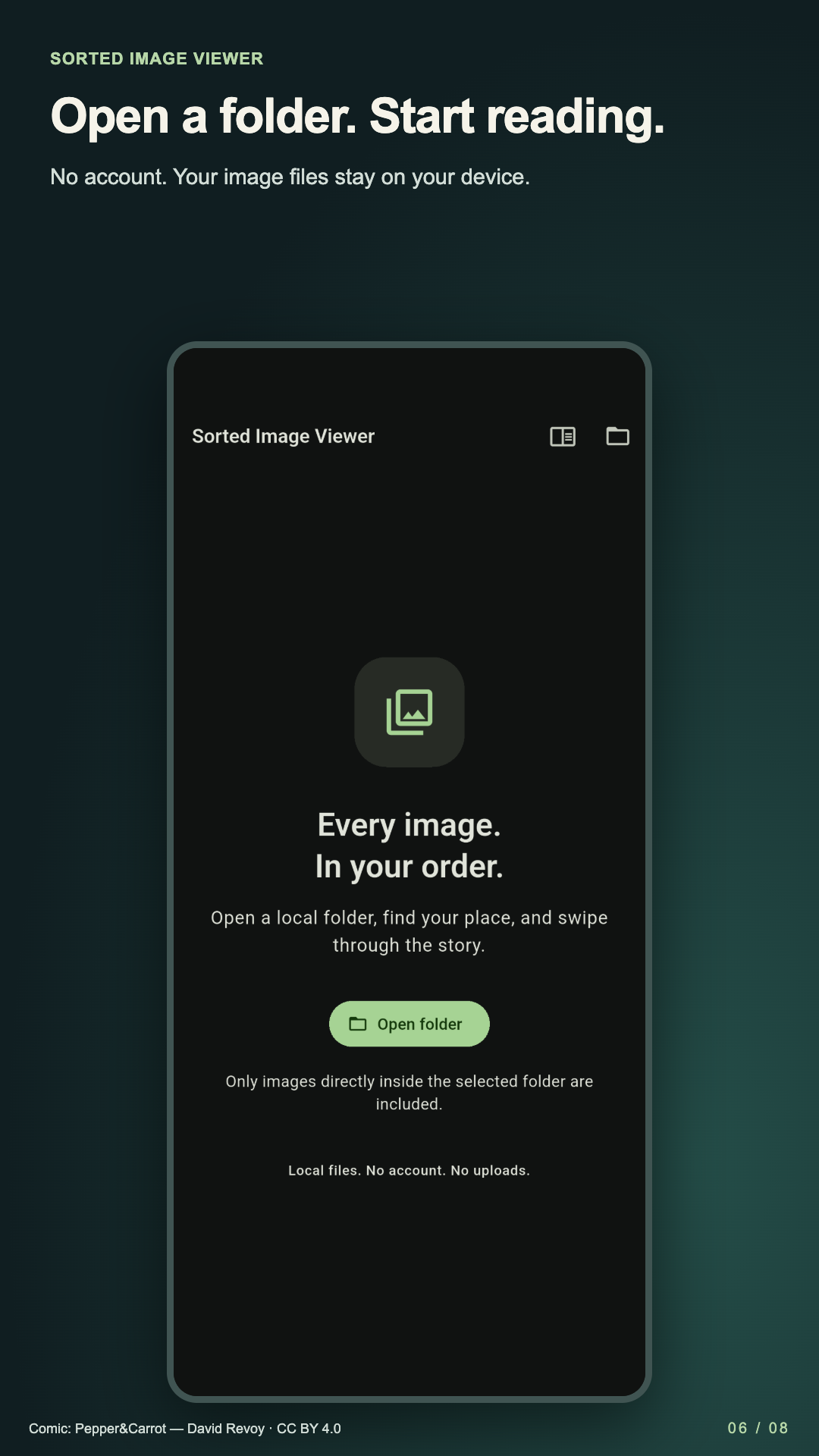
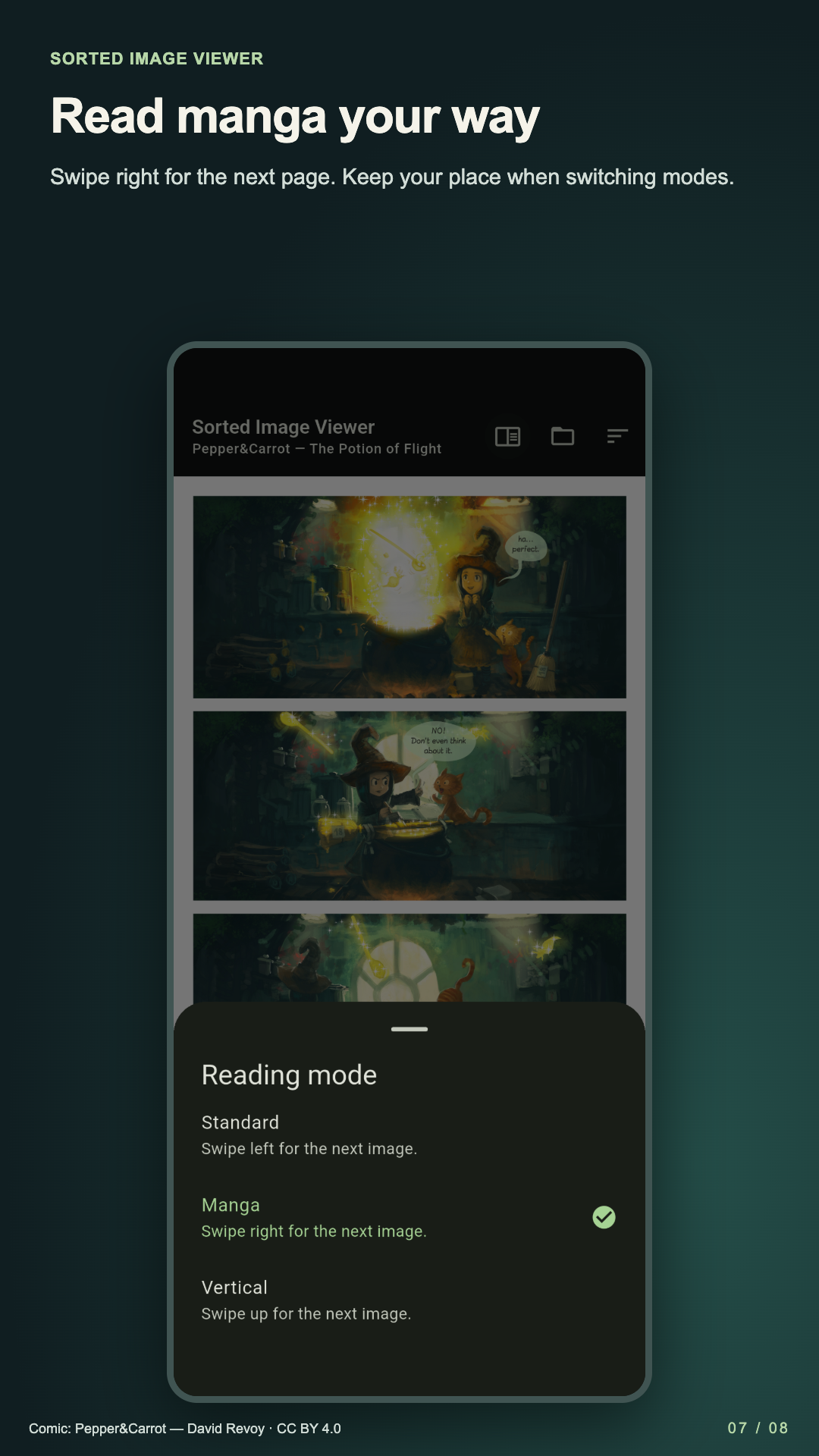
Open a local image folder. Read in natural filename order, look closer, and return to your place.
Explore the viewerRead the privacy policyNatural filename, modified date, captured date, or size. Ascending or descending, with your current image retained.
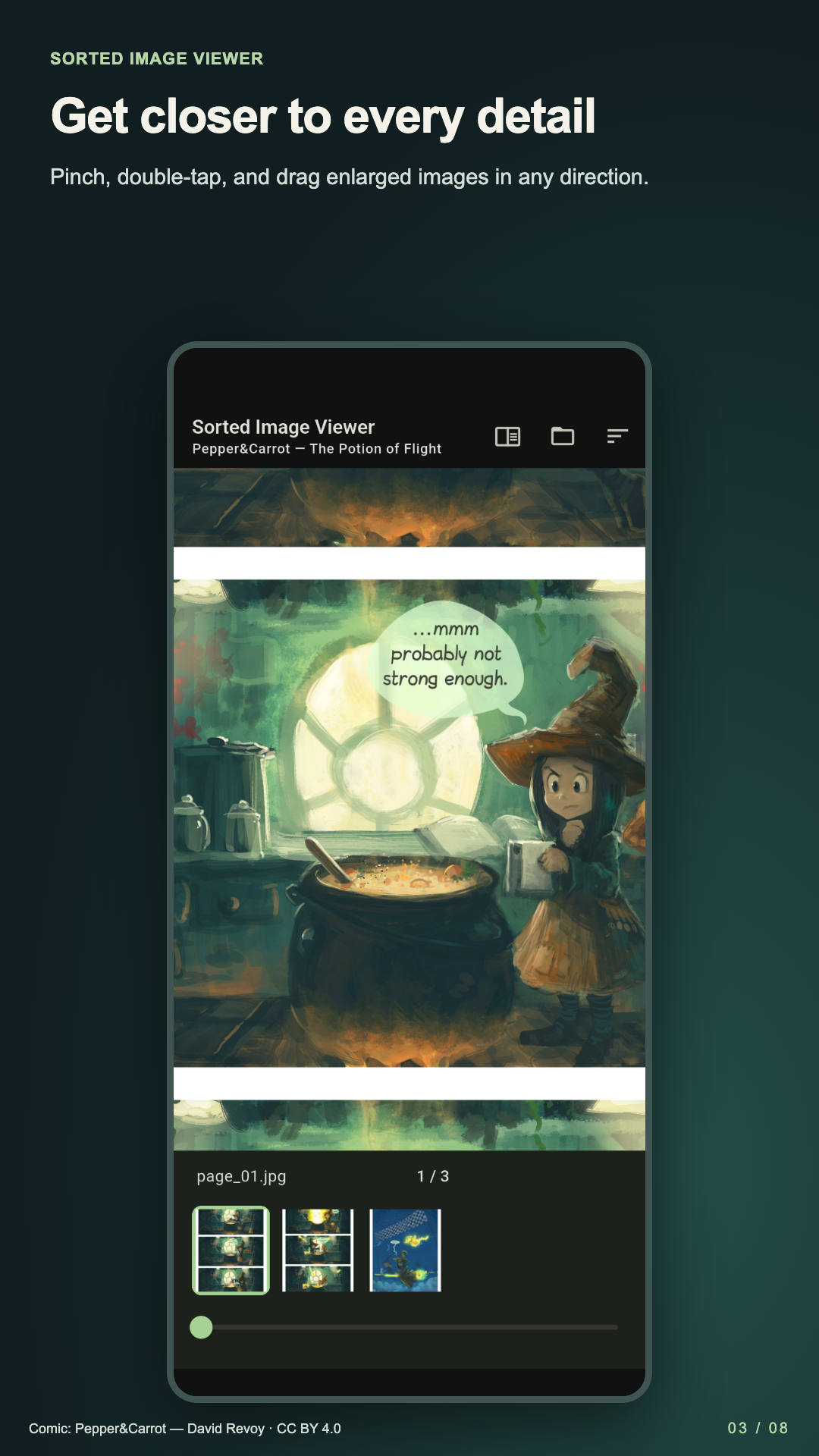
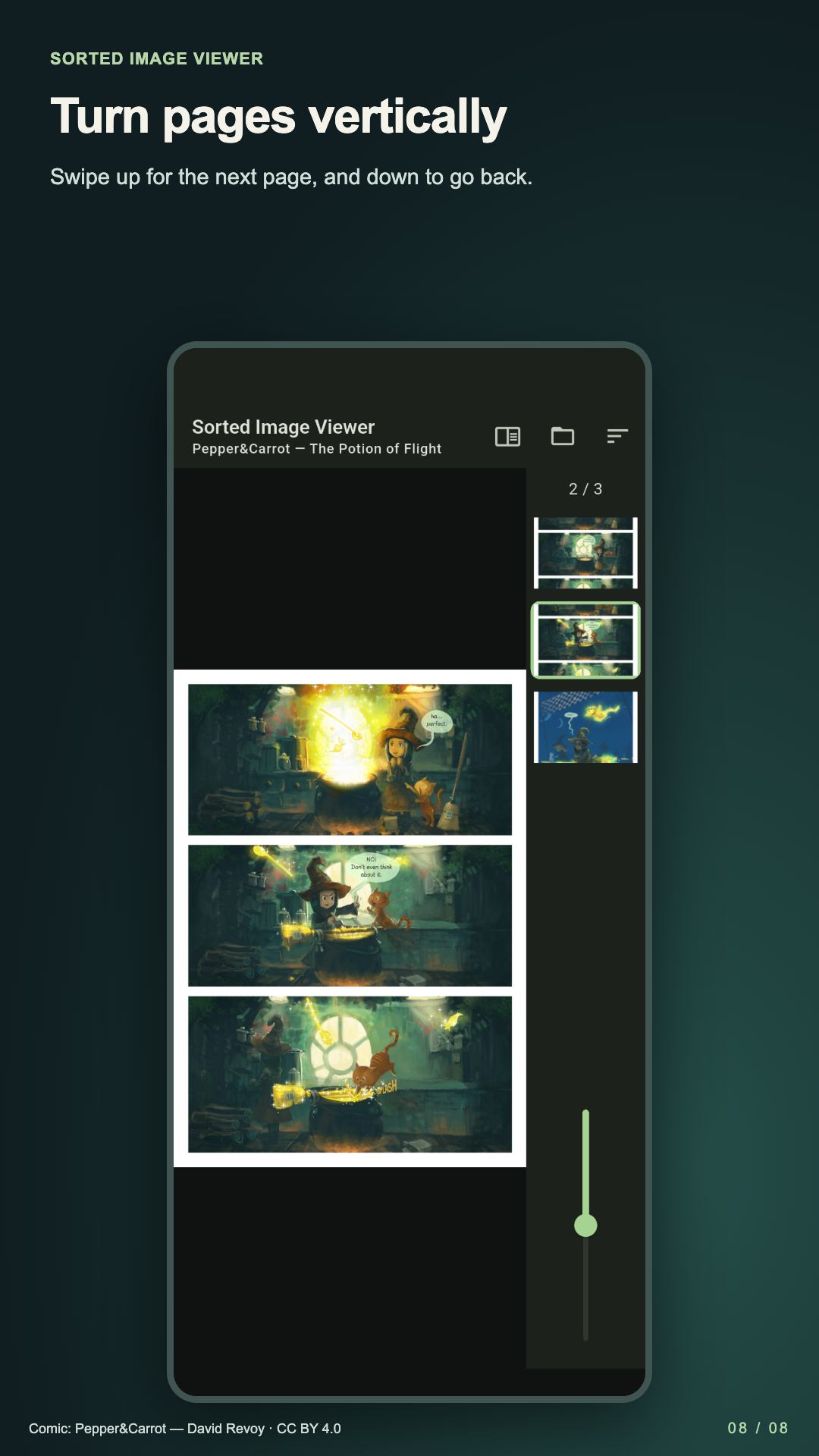
Swipe, pinch, double-tap, and pan. Jump with the bottom filmstrip and position slider.
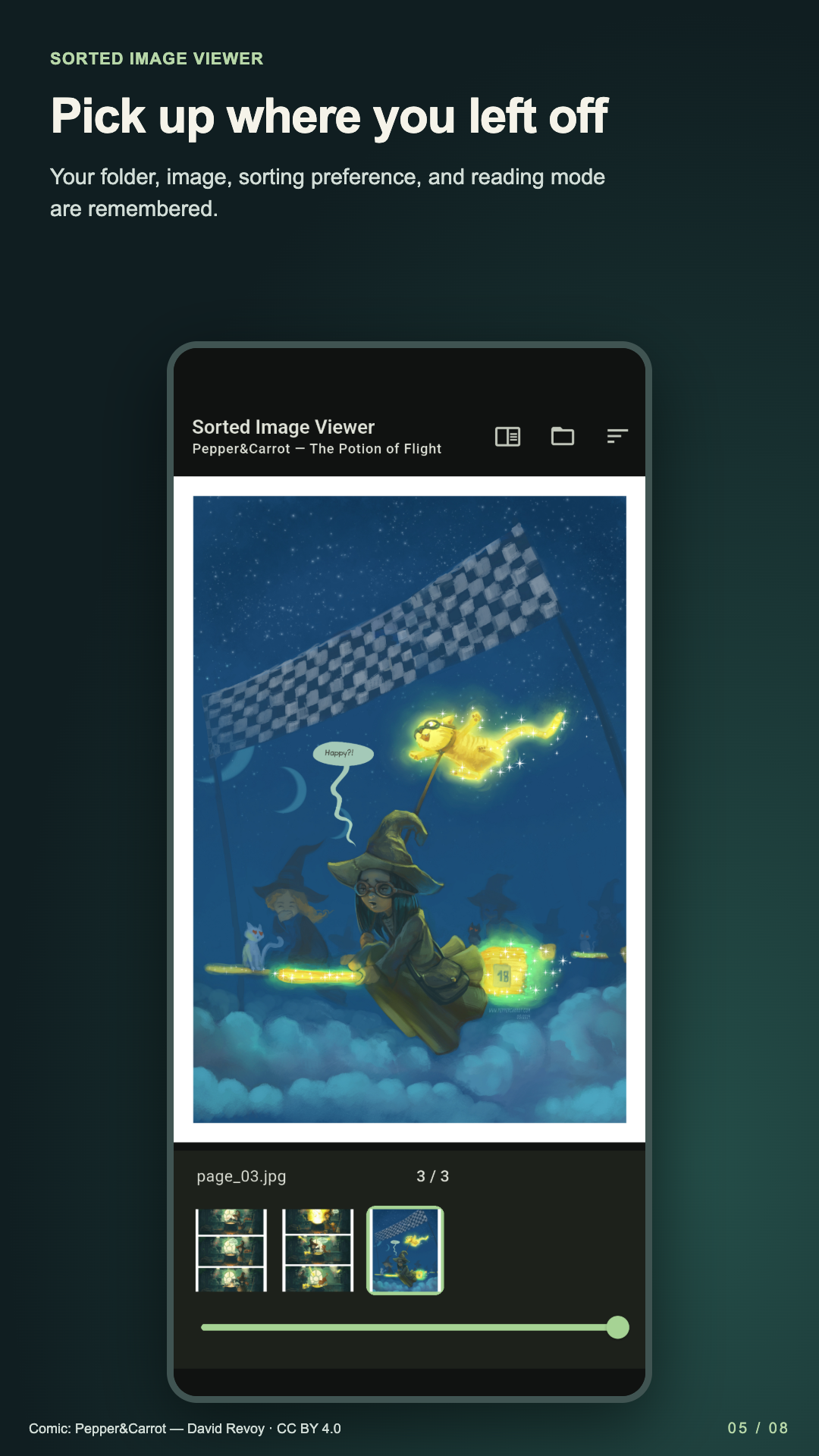
Resume your folder, image, and sort settings while the OS file grant remains valid.
No account or image upload. Android uses all-files access, a permission broader than image-only access, for its in-app folder browser; the viewer only reads images and does not edit or delete originals. iOS uses scoped Files folder access. OS file providers may make their own connections separately from the viewer. Only direct-child images are displayed, without recursive browsing. External Open depends on the sending app’s access grant.
JPEG, PNG, GIF, WebP, BMP, HEIC, and AVIF depend on device codecs. Animation is first-frame only. No ZIP/CBZ, editing, or cloud sync.
Version 1.0.0 (4) has ads disabled. No account, image upload, or analytics feature is included. A future ad-enabled build requires updated privacy disclosures and release review.
Approved app captures will be linked here. These are asset handoff locations, not illustrations of unimplemented features.